How to choose the right app for your event
A quick guide to choosing an event app that supports your team, works in low-connectivity environments and improves the attendee experience.
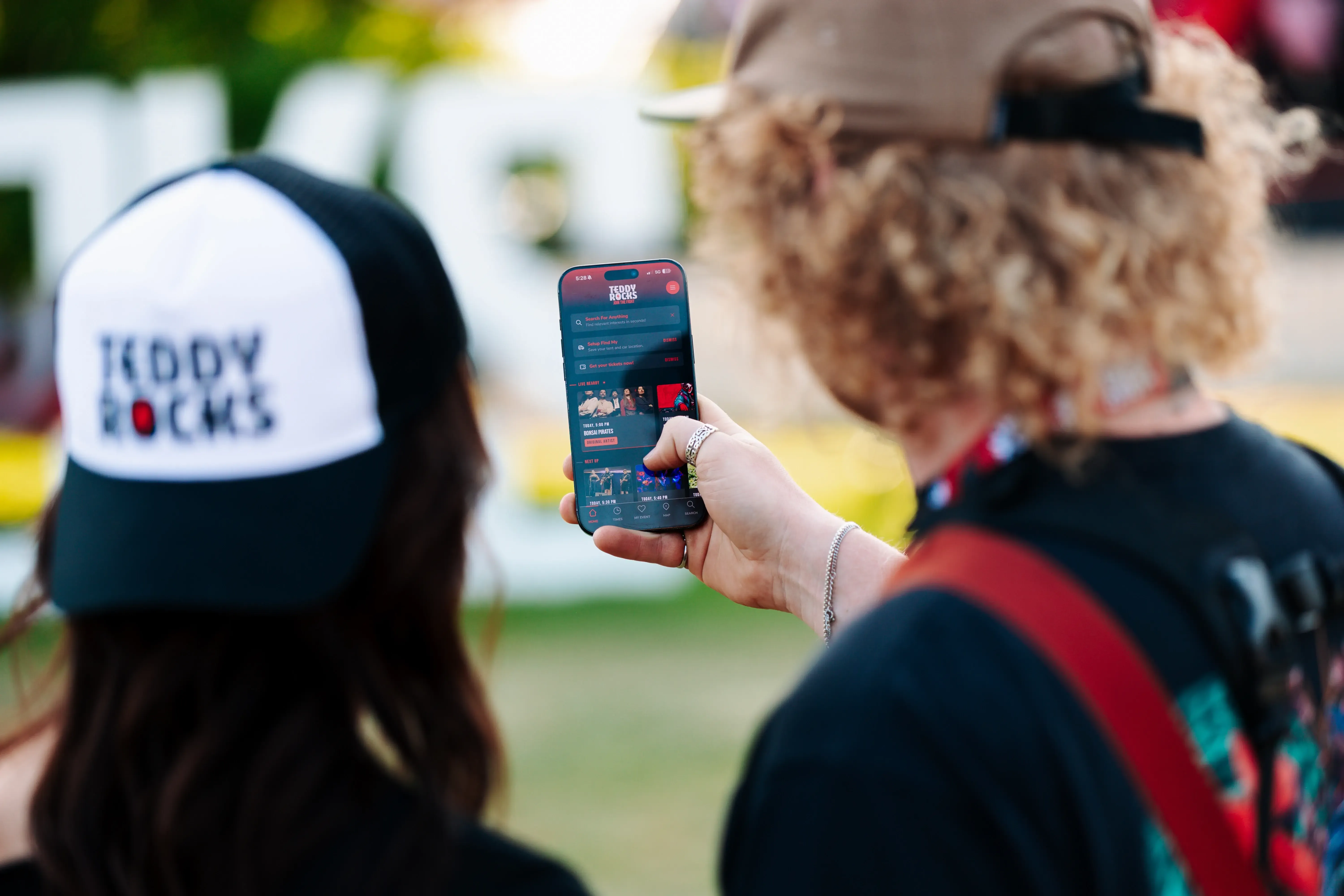
Looking for an event app, but not sure how to choose the right one?
Your event team already has its hands full with tasks, last-minute changes and everything that comes with delivering an outdoor event. Adding new event technology into the mix should make that workload easier, not create another system your team has to struggle with. Choose the wrong app and it can leave your team with more confusion, duplicated work and admin during the busiest moments of your event.
In the last few years attendees increasingly expect event information to be accessible from their phones, but choosing an event app isn’t only about the attendee experience.
While every event is unique, many organisers face similar challenges when it comes to event operations and communication. Unpredictable weather, poor connectivity, last-minute line-up changes and an overloaded crew can quickly add additional pressure on the team during event days. Some of these challenges, such as the weather or a last-minute vendor cancellation, are outside of an organiser’s control, but you can control how easily important information reaches attendees when something changes. The right event technology can support that process, but only if it solves the challenges your team actually faces.
How to choose the right app for your event?
When choosing any new event technology, especially something that will be representing your event to attendees, start by understanding exactly what you need it to do.
The right solution will depend on the type of event you run, whether it takes place across one or multiple days, whether it is indoors or outdoors, and how much information attendees need throughout the event. Before comparing event app providers, write down the key features your team actually needs rather than starting with a long list of available features. Look back at attendee surveys, crew feedback, vendor comments and conversations with your operations team to identify the challenges that created the most work or confusion at previous events.
Start with defining what you want the event app to improve, whether that is communication, operational efficiency, attendee experience, sponsorship opportunities or supporting the growth of your event. Narrow down your options by matching each challenge with the event app features that could help solve it.
No signal on the event days?
If poor signal or limited connectivity is one of your main struggles, offline functionality should be high on your list when comparing event app providers. Your attendees should still be able to access important event information, schedules and maps when connectivity drops. That means that your app will be able to update content, send push notifications and help navigate the event site when the signal is poor.
Struggling to find additional revenue?
If you are looking to increase event revenue, an event app does not necessarily need to sit only on the expense side of your budget. Look at which features within the app can help you create new sponsorship and marketing opportunities. Sponsored content, marketing posts, in-app offers and year-round communication can create additional value for sponsors while giving your event more ways to generate revenue. The important question is not simply how much the event app costs, but what opportunities it gives your team to create value from it.
Does your event have difficulty managing a large amount of activities & workshops?
If your programme includes a large number of activities, workshops or sessions, managing continuous changes can quickly become difficult for your team. Look for an event app that allows multiple team members to manage information while still keeping control over what and when it gets published. Being able to update schedules, locations and activity information quickly can make a significant difference when changes happen close to or during the event. It is also worth checking whether those updates can still be made when connectivity is poor, particularly for outdoor or high-attendance events. The right features can help your team avoid confusion, support attendees with personalised schedules while reducing the operational pressure of managing changes across several different systems.
Dealing with a heavy operational load while prepping for your event?
An event app should help reduce operational workload, not add another layer of admin for your team. Look for an event app provider that is able to sync your event information with the systems you already use, so schedule, content and location updates do not need to be entered manually in several places. Integrations between your event app, website and internal systems can reduce duplicate work and lower the risk of inconsistent information reaching attendees.
Also pay attention to how hands-on the provider is throughout the process. Is their communication only by email, or are they onboarding your team properly, available when questions come up, and supporting you during the busiest weeks and even on the event days? The internal support can make or break your experience with the new app.
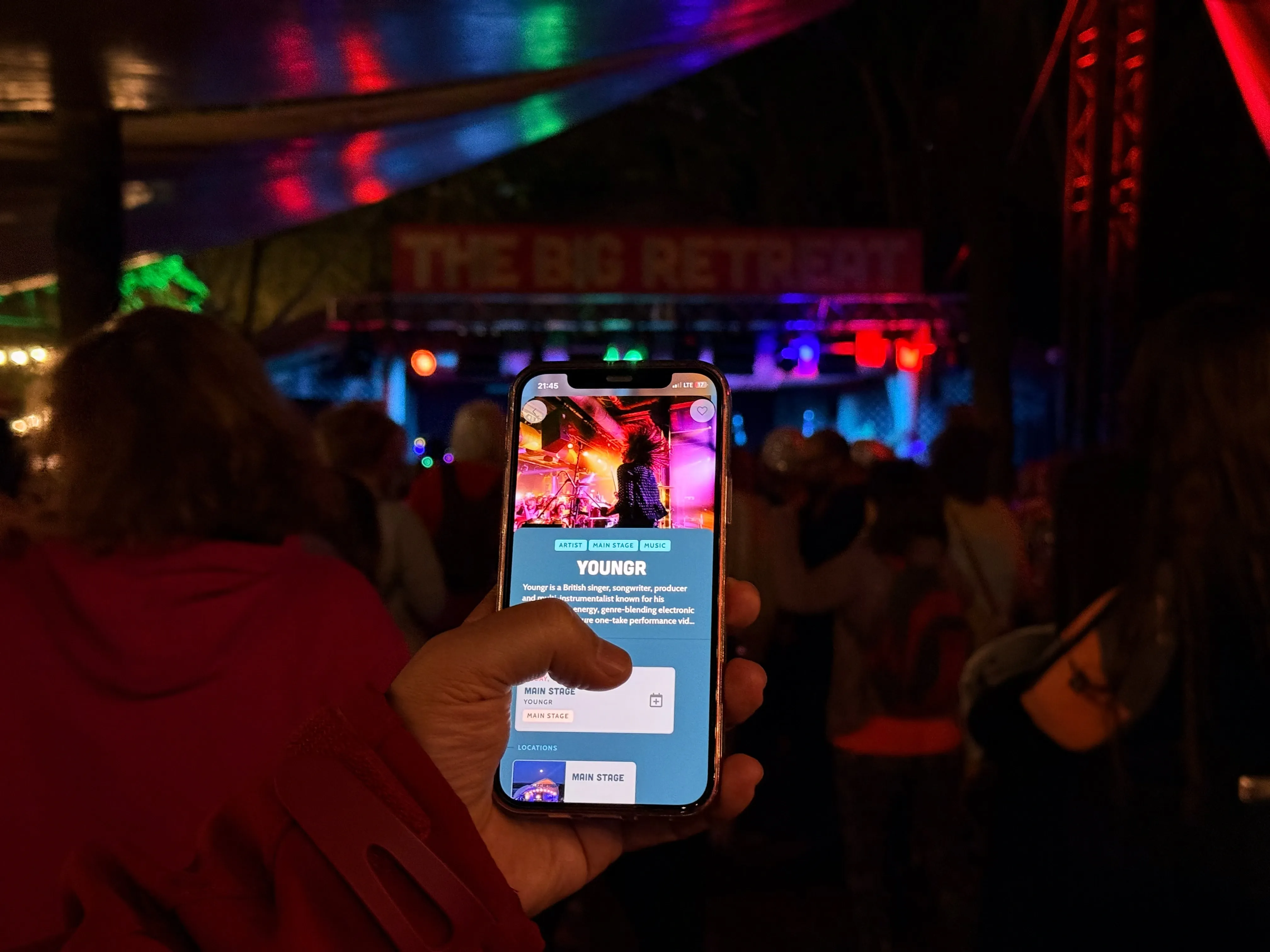
What to do when you have chosen an app for your event
Choosing the app is only the first step. How you introduce it into your event operations can have just as much impact on how useful it becomes for your team and attendees. We have some recommendations for what you should consider to adapt your app successfully.
Start the process at least four months before your event.
Give your team enough time for onboarding, adding content and understanding how the app will fit into your existing processes. Starting early also gives you more time to connect the app with other systems and work through any issues before your busiest period.
Assign one team member to take responsibility for the app throughout the year.
Having one main point of contact for your event app provider can make the process clearer for everyone involved. As your programme develops and changes, decide who will be responsible for updating information and how those changes will move between your internal systems, website and event app.
Decide where will your event information will be stored.
Decide whether your event information will live in your own internal system, the event app’s organiser portal, or another system that can be integrated with the app. If your team is currently keeping information in spreadsheets and then manually uploading the same details to your website or other systems, look at whether the app can integrate with those systems. Keeping your event information connected can reduce duplicate work, lower the risk of errors and make it much clearer for your team which information is the most up to date.
Assess how much support your team needs when introducing new technology.
Consider how much time your team has to learn and manage another system, and how hands-on you need your event app provider to be throughout the process. Some providers are more self-service, with templates and how-to guides, while others provide onboarding, direct communication and support as your team builds and launches the app. Think about what will happen when questions or problems arise, particularly during the busiest weeks before the event and on the event days themselves.
Build revenue opportunities into your app strategy early.
If you want to use the app for sponsor packages, vendor promotions, marketing notifications or other revenue opportunities, plan these into your commercial strategy early in the year. Many of these opportunities need to be included when you are creating sponsor and vendor packages, rather than added as an afterthought once the app is ready.
Start marketing the app to attendees as early as possible.
Include the app in places your attendees are already looking, such as ticket confirmations, your website, email communication and social media. The earlier attendees know where to find event information, the easier it is to make the app part of their event planning before they arrive.
Keep the original goal of the app in sight.
After the event, go back to the goals you set at the beginning and review whether the app actually helped you achieve them. Look at the data available from the app, alongside attendee, vendor and crew feedback, to understand what improved, what still created pressure for your team and what you should change for the next event.
The main things to take away
There are many parts of an event that organisers cannot control, but the technology you choose should help your team respond to those challenges rather than create more work. If you have decided that an event app is right for your event, start with the challenges your team is already facing and the goals you want to achieve over the next few years.
No signal on event days? Look for strong offline functionality.
Check what attendees can still access when connectivity is poor and, just as importantly, what your team can still update during the event.
Looking for additional revenue? Look for revenue-generating features within the app.
Consider sponsorship opportunities, marketing notifications, in-app promotions and other features that can help turn the app into part of your commercial strategy.
Managing a large programme of activities or sessions? Look for flexible content management.
Make sure multiple team members can manage information where needed, while keeping control over what is published to attendees. Look at how quickly schedules, locations and programme information can be updated when plans change.
Trying to reduce operational workload? Look at integrations and the level of provider support.
Check whether the app can connect with the systems your team already uses to reduce duplicate work. At the same time, ask how hands-on the provider will be during onboarding, launch and event days, because the level of support can be just as important as the technology itself.
Once you have chosen your event app, remember:
Start early.
Give your team enough time to learn the platform, add content, test the app and prepare it properly before event days.
Give one person clear responsibility for the app.
Having one main contact keeps communication with your provider clearer and makes it easier to manage changes throughout the year.
Know where your event information lives.
Decide which system will hold your main event information and use integrations where possible to avoid entering the same information several times.
Know how much support your team needs.
Be realistic about whether a self-service solution is right for your team or whether you need a more hands-on provider who can support you through onboarding, launch and event days.
Plan your revenue opportunities early.
If sponsorship, vendor promotions or marketing opportunities are part of your app strategy, include them when you are building your commercial packages for the year.
Explore the VIKIN Event Apps feature brochure or request a demo with our co-founders to see how the platform could work for your event.
More from VIKIN
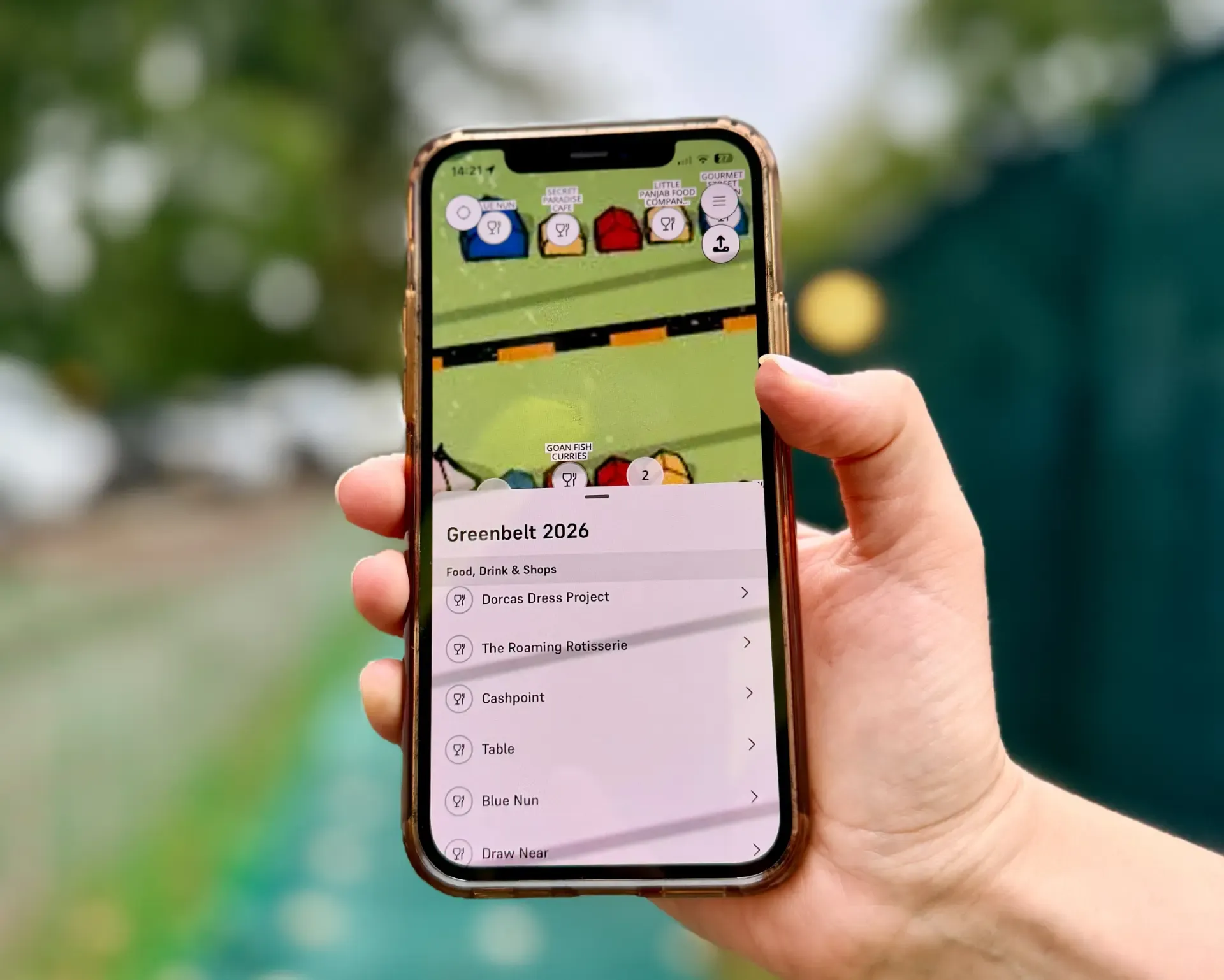
Introducing Backstage, our new organiser app
Backstage makes it easy for organisers to manage content, whilst on-site at their event, even when connectivity is bad.
Read article